Automatic rules
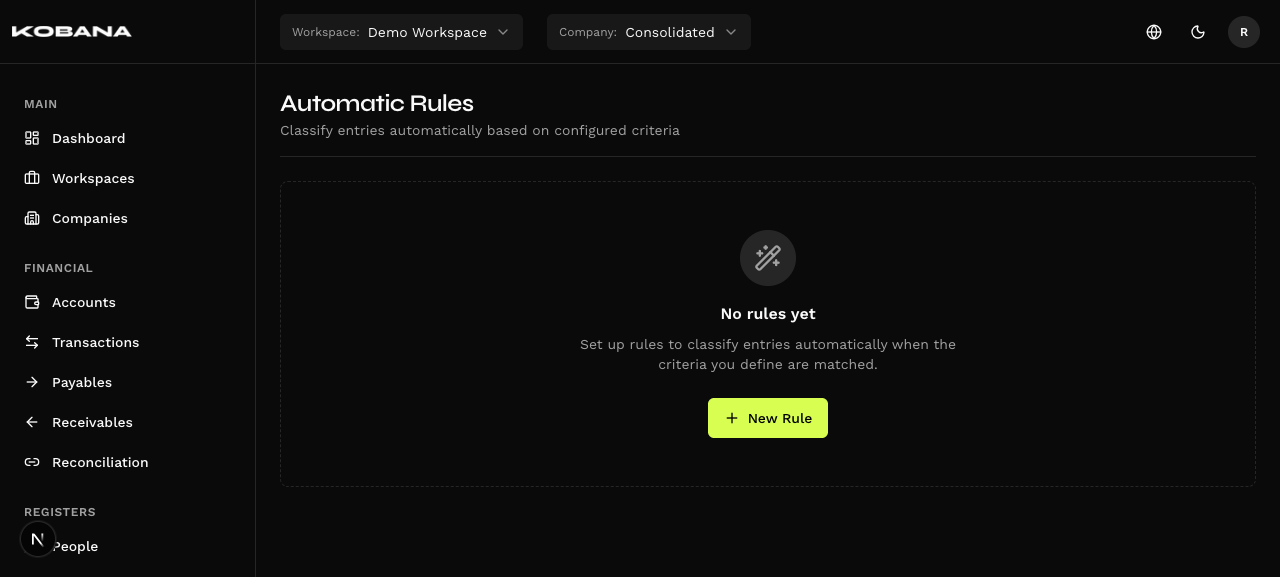
Automatic rules (/automatic-rules) classify transactions automatically according to configured criteria, saving you from categorizing recurring documents by hand.
Rule scope
Each rule has a fixed scope (set at creation, immutable) and belongs to an entity. The scope is a pair of tabs at the top of the form, with no label — the two options are:
- Financial Accounts — fires on newly created transactions.
- Accounts Payable / Receivable — fires on newly created bills.
How it works
When a document is evaluated, the system walks the rules of the same entity and the same scope, in precedence order. The first active rule whose criteria all match is applied — and only it. The fields set by the rule overwrite the document's values, even ones already filled in.
Criteria
A rule combines criteria with AND logic — all of them must match. The builder has two sides, WHEN (criteria) and THEN (actions), with a plain-language preview.
| Criterion | How it compares |
|---|---|
| Entity | Required — the rule's company |
| Account | Equality (Financial Accounts scope only) |
| Entry type | Payments or Receipts |
| Customer/Supplier | Equality |
| Description contains | Substring, ignoring case |
| Notes contain | Substring, ignoring case |
Case is ignored; accents are not. The comparison lowercases both ends, but does not strip accents: a rule with "Pao" won't catch a description written "Pão". Write the criterion the way the text actually arrives.
There is no amount or range criterion, nor "equals / starts with / ends with" operators — text is always "contains".
The "Show entries affected by this criteria" link opens the preview with what the rule would catch today — worth checking before you save.
Actions
| Action | Description |
|---|---|
| Description | Rewrites the description |
| Customer/Supplier | Assigns the person |
| Category | Assigns the category |
| Classification center | Assigns one center |
| Pay/Receive via | Sets the expected account (Accounts Payable / Receivable scope only) |
The classification-center action doesn't split. It assigns a single center — the picker is single-choice. To divide across centers, use Split on the bill's form. See Classification centers.
Precedence
Rules only compete inside their own group: entity × scope. Each card carries the "Move up" and "Move down" arrows, and the rule with the lowest position wins first.
The arrows stop at the group's edge. Even when there is a card right above on screen, the arrow won't jump over it if it belongs to another group — the listing shows every group in a single column, but the ordering is per group. It isn't a lock-up: moving it there would make no sense, because rules from different groups never contend for the same document.
- In a group with a single rule, the arrows don't appear — there is nothing to order against.
- On the first rule of the group, the up arrow is disabled; on the last, the down arrow.
- There is no confirmation when moving: the card changing place is the confirmation.
The order of the groups among themselves means nothing. Groups are listed by the entity's internal identifier, not by name or relevance. One group appearing above another gives it no precedence — the contest never crosses groups.
Activate and pause
The pill at the foot of the card shows the state — "Rule active" or "Rule disabled" — and clicking it performs the opposite action, which the tooltip announces: "Pause" or "Resume". The toasts are "Rule activated" and "Rule deactivated".
A paused rule never fires. It isn't merely dimmed in the listing: evaluation only considers active rules. Pausing is how you switch a rule off without losing it.
Where rules fire
- Creation of transactions and bills (form and API).
- CSV import — transactions, payables and receivables.
- Bank statements, when you confirm the statement import.
- Generated installments — each installment in the group is evaluated on its own, because a description criterion may depend on the suffix ("1/12").
- Fintera import — in all three importers: payables, receivables and transactions.
- Banking Gateway statement sync.
Apply to existing ones
This is not a listing action. It's the "Apply rule to existing entries?" checkbox, at the foot of the form. When ticked, saving asks for confirmation and queues the retroactive apply — which runs in the background ("Retroactive apply queued").
Different from the bulk "Classify" dialog, which sets category and center manually over a selection, without creating a rule.
Create a rule
- In
/automatic-rules, use "New Rule". - Pick the Entity and, in the tabs at the top, the scope — "Financial Accounts" or "Accounts Payable / Receivable". Now is the only chance to choose: once saved, the rule cannot change scope.
- Build the criteria (WHEN) and the actions (THEN), checking the preview.
- Save — the rule takes effect immediately for new documents.
Delete
The dialog is "Delete automatic rule": "The rule will be permanently removed. Entries already classified are not affected."